
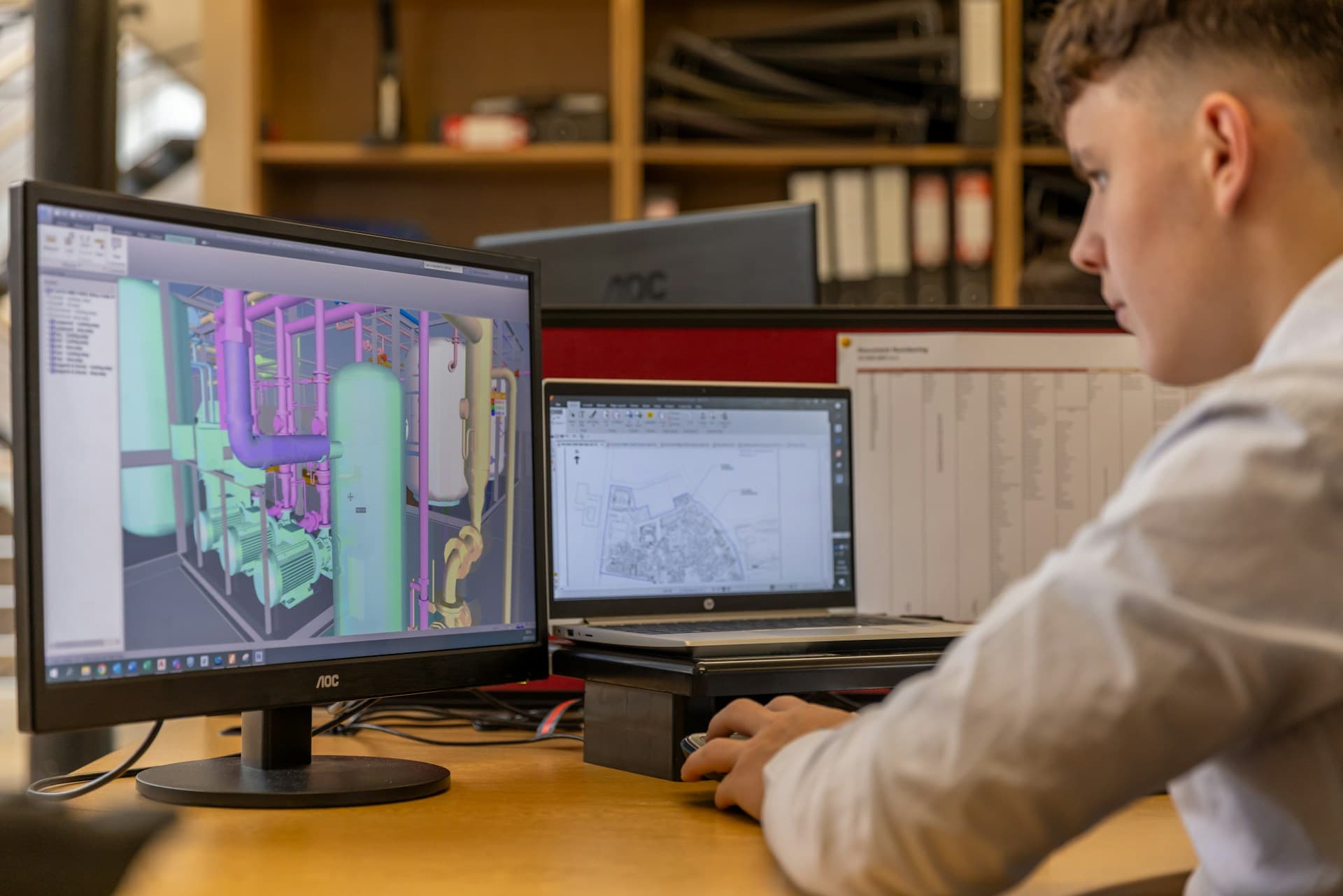
Most of what we write about here is ReflectHub itself - projects, costs, RFQs, documents, the operational side of construction. This post is different. It's about something we've been playing with on the side, which got interesting enough that I want to show it to people who know buildings better than we do.
The idea is simple to say and hard to do:
Give the computer a 2D drawing. Get a BIM model back. Then tell it what to change.
What We Actually Built
Let me be specific, because "AI turns drawings into BIM" is exactly the kind of sentence that makes engineers roll their eyes. Rightly so.
What exists today is a workflow that:
- Takes 2D drawings as input. We've mostly tested it with PDF floor plans, plus a pile of random sketches we threw at it on purpose to see where it breaks.
- Produces a 3D model as an IFC file. IFC is the open exchange format for BIM, and what's inside is a proper BIM model rather than a picture locked inside our tool. The generated models open in ReflectHub's own IFC viewer like any other model. More on that below.
- Takes changes in plain language. "Raise the ceiling." "Move that wall." "What if the stairs were on the other side?" You describe it, the model updates.
I'm not going to go deep on how it works under the hood. Partly because it still changes every week, and partly because it's more fun to show you in person.
The Fun Part: "What If" Takes 30 Minutes
What surprised me most wasn't generating the first model. It was changing it.
For about a week I played architect. Not drawing - just asking. Change this. Move that. Make the ceilings higher. No, put it back. Try it the other way round. The kind of back-and-forth an architect and a client have all the time.
Normally that conversation ends with something like: "Interesting idea. Let me work on it and we'll meet again in two weeks." Then someone redraws, remodels, re-renders, and two weeks later you find out whether the idea was any good.
In our tests, a change took about 30 minutes - and so did a first model from scratch. The conversation went from "let's meet in two weeks" to "yep, I can see that". Sometimes the answer is "nope, put it back" - which is just as useful, and a lot cheaper to find out in half an hour than in two weeks.
Stage
The usual loop
The prototype loop
Click a row to highlight
Cheap Ideas Make You More Creative
This is the part I keep coming back to.
When trying an idea costs days, you only try the safe ones. Nobody books another round of redrawing for a hunch, so the hunches stay hunches.
When it costs half an hour, the maths changes. You try the weird option. You try three versions and throw two away. The client reacts to something they can actually see, instead of imagining it from a floor plan.
This isn't about replacing architects or engineers. The judgement - what's good, what's buildable, what the client actually needs - stays exactly where it is. What changes is how many ideas you can afford to look at before you commit to one.
Is It Real BIM, or Just a 3D Shape?
That's the first question any engineer should ask, so we went through one of our test models element by element.
The short version: the building structure is genuine object-based BIM. The building services are modelled too, but at a schematic, coordination level. And a smaller part is deliberate placeholder geometry.
What's in there:
- Walls and slabs are real IFC objects. Each one has geometry and property sets, and belongs to its storey.
- The geometry is parametric. Almost all of it is extruded or CSG solids, not triangulated meshes.
- The structure is made of separate elements. Beams, columns, plates, hollowcore panels, and reinforcement can each be selected on their own.
- Services belong to systems. Building services are assigned to cold water, wastewater, ventilation, heating, and electrical systems.
What it isn't (yet):
- It's a coordination model, not a fabrication model. Think design development, not shop drawings.
- Building services are schematic. Many systems are deliberately labelled that way: fine for routing and clash review, not for hydraulic or airflow design.
- Some objects are data without a body. All electrical protective devices exist in the model, but none of them has 3D geometry.
- Placeholders are placeholders. Proxy objects stand for things like riser enclosures, clearance zones, and equipment reservations. They shouldn't be counted as installed products.
- There are no type definitions. No reusable wall, slab, beam, pipe, or duct types yet - specification data sits on each individual element.
- Some materials are still vague. Architectural materials sometimes have generic names like "white" or "roof", and structural materials often carry "HOLD" or "preliminary specification" labels.
Where We're Heading: One Change, Everything Updated
A higher ceiling isn't just a different picture. Taller walls mean more material. More material means different quantities and a different cost. It might change what the structure has to carry. And the drawings need to follow.
So the goal is that one change ripples through everything: the model, the materials, the bill of materials, the cost, the structural implications, and the 2D drawings.
Most of those pieces already work - just not together yet. Quantities can be pulled straight from the IFC, 2D plans can be generated from it, and costs can be roughly estimated. But today each of those is its own step that someone runs. The goal is to chain them, so that asking for a higher ceiling gives you the new model, quantities, cost, and drawings in one go.
That's also why the output is a BIM model and not a rendering. A rendering is a picture. A BIM model is structured data about a building, and structured data is what lets one change flow into quantities, costs, and drawings - the same argument we made in construction needs structured data before AI.
Here's where each piece stands today:
| Piece | Where it stands |
|---|---|
| PDF plans and sketches in | Working in the prototype |
| 3D model out as an IFC file, with real BIM objects | Working in the prototype |
| Changes in plain language | Working in the prototype |
| Materials on building elements | Partly - assigned, but many names are generic or preliminary |
| Building services | Schematic - for routing and clash review |
| Bill of materials and quantities | Working, as a separate step - pulled from the IFC |
| Cost of a change | Rough estimates as a separate step - not validated |
| Updated 2D plans | Working, as a separate step - generated from the IFC |
| Structural (strength) calculations | Experimental - not validated |
What It Can't Do Yet
A few things I want to be upfront about, especially for the engineers reading this:
- It makes mistakes. Mine were mostly small. Windows weren't always exactly the shape they were in the drawings - in its defence, it only had the floor plan and had never seen that side of the building. So far it hasn't invented anything that wasn't in the drawing. Either way, anything it produces needs a professional to check it.
- Vague requests get vague results. If you're vague about what you want, you might not get exactly what you meant. Adding detail fixed it, and pointing at the spot on the model helped even more - not unlike briefing a colleague.
- Strength calculations aren't validated. Modelling a beam as a proper element isn't the same as proving it holds. We haven't checked them against conventional calculations yet, so we're not going to put a number in front of an engineer and call it a result. If you're an engineer who'd enjoy poking holes in it, that's exactly the conversation we want to have.
- It's not in ReflectHub. The models open in ReflectHub's IFC viewer, but the generator itself isn't a feature you can switch on, and I'm not giving a release date. Honestly, we don't know yet when - or if - it becomes one.
Why I'm Showing It Now
Because the fastest way to find out whether this is useful is to show it to the people who design and engineer buildings for a living.
If you run an architecture or engineering firm, I'd love to talk about:
- What you'd want from it. Which changes eat the most time in your design rounds? What would make a model like this trustworthy enough to use?
- Automated workflows in your office. This is one example of what's now possible. If your team redraws, re-enters, or recalculates the same information over and over, there's a good chance some of it can be automated - with this prototype as a starting point, or with something completely different built around your process.
- A demo. I'm happy to show it running on a call - including where it still falls over.
ReflectHub is a project management platform built for construction and architecture firms. The prototype in this post is a separate experiment and not part of the ReflectHub product.
Let's talk → - or get in touch and mention this post.